Apps by Shin Jungsoon

Support

We answer email within 2 business days.

Common questions

How do I draw a constellation?
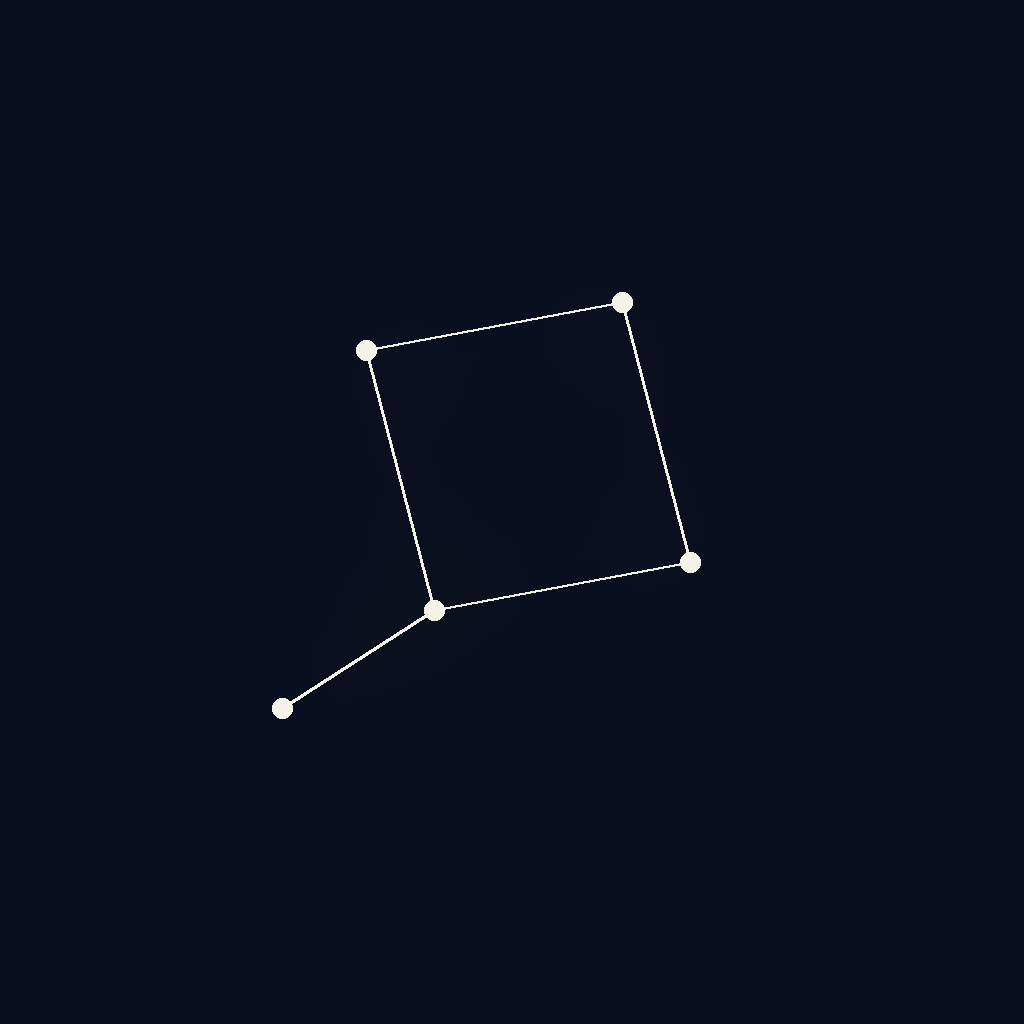
On the Sky tab, touch any star and drag your finger to another star. A faint line will follow your finger. Drag to more stars to extend the constellation. When you have at least two stars connected, tap Save constellation at the bottom, give it a name (or skip), and it joins your gallery.

Why are some stars greyed out?
A star can only belong to one constellation. Once you've used a star in a saved constellation, it dims and can't be used as the starting point of a new one. If you delete that constellation later (from its detail screen in the gallery), the component stars become available again.

I don't see any new stars when I open the app.
Stelo adds 1–3 stars at the start of each new local day. If you open the app twice in the same calendar day, you'll see the same set both times — that's intentional. Come back tomorrow. (If your device's clock is significantly off, the day boundary may behave unexpectedly.)

What are the gold / blue / orange stars?
Those are special-night stars: gold for 24절기 (Korean solar terms) and your birthday, pale blue for full moons, warm orange for meteor showers. They appear automatically on the matching dates. Include them in a constellation to give it a seasonal anchor.

How does the Almanac work?
Every time you save a constellation, Stelo silently compares its shape to all 88 IAU constellations. If the shape is close enough to a real one (Lyra, Orion, Cassiopeia, etc.), a small banner appears: "Looks like Lyra." That constellation is then revealed in the Almanac with its name and mythology. There's no quiz — you can ignore matches entirely and just draw whatever you like.

The widget isn't updating.
iOS refreshes widgets on its own schedule. Stelo widgets will update the next time iOS asks, usually within an hour. Force-refresh by long-pressing the widget → Edit Widget → close, or by tapping the widget once to open the app.

How do I back up or export my constellations?
Version 1 stores everything locally and has no export feature. If you delete the app, your sky is lost. An optional iCloud-sync feature is planned for a later version; until then, treat your sky like a small offline notebook.

How do I delete my data?
Delete the app. Stelo stores everything on your device only — no iCloud, no servers, no leftovers.

Still stuck?

Email [email protected] with a description and a screenshot if useful.