지원
Purro와 대화를 시작하는 방법, 세션 제한, 마이크 관련 도움말.
대화 시작하기
앱을 열고 마이크 접근을 허용한 뒤 대화 버튼을 누르세요.
세션 길이
각 대화는 최대 10분입니다. 분은 월간 구독에 포함됩니다.
마이크 문제
Purro가 소리를 듣지 못한다면 iOS 설정 → Purro → 마이크를 확인하세요.
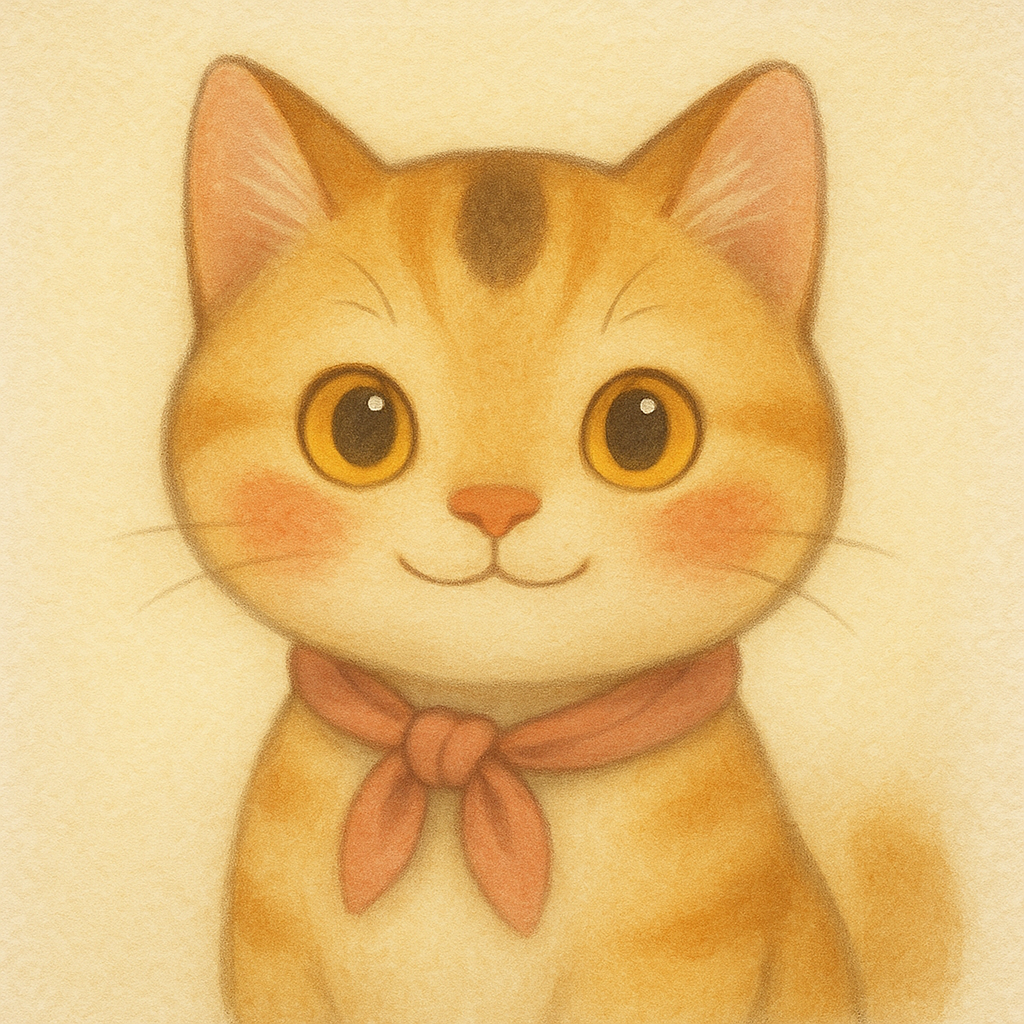
Purro is a hand-painted cat character you talk with out loud, in English, over a live voice connection. There's no account to set up — you just open the app and start talking.
How to start a conversation
- Open the app and tap the talk button.
- The first time, iOS will ask for microphone access — allow it so Purro can hear you.
- Once connected, just start speaking in English. Purro listens, responds out loud, and reacts with her expressions.
- Tap the button again any time to end the conversation.
Session length and your monthly minutes
Each individual conversation is capped at ten minutes. When a session ends — either because you stopped it or because it hit the cap — you can start a new one right away, as long as you still have minutes left. The app shows your remaining time in the badge at the top of the screen.
New users get a one-time free trial of ten minutes. After that, minutes come with a monthly subscription: Purro Daily (20 minutes), Purro Plus (40) or Purro Studio (100). Minutes are granted for each billing period and don't carry over to the next one — see our Terms of Use.
Frequently asked questions
Purro isn't hearing me / the microphone isn't working
Check that microphone access is enabled: go to iOS Settings → Purro → Microphone, and make sure it's turned on. If you denied the permission when first asked, this is the only way to turn it back on — the app can't re-prompt you automatically.
Do I need to create an account?
No. Purro signs you in anonymously behind the scenes so it can track your minutes; there's no email, password, or profile to set up.
Why did my conversation end after ten minutes?
That's the per-session cap, not the end of your allowance. If you still have minutes left for the period, just tap the talk button again to start a new conversation.
Why does Purro only speak English?
Purro is built specifically for English conversation practice. She'll respond in English even if you speak to her in another language.
Is what I say saved anywhere?
We keep no recording and no transcript of your conversations, and your audio never passes through our servers — it streams directly from your phone to the AI service that powers Purro, which processes it under its own policies. Our server only keeps usage records (how long you talked, how many minutes you have left). See our Privacy Policy for the exact list.
How do I subscribe, and how do I cancel?
Tap the gear icon on the main screen and choose Get More Time — or tap it when you run out of minutes. To cancel, open Settings → your name → Subscriptions on your device and turn off renewal. Cancelling stops future charges; the minutes you already paid for stay available until the end of the period.
I subscribed, but a new device shows no minutes
Open the gear icon and tap Restore Purchases. That re-links your App Store purchase to the app on that device.
What happens when I run out of minutes?
The talk button tells you why it can't start, and you can subscribe or move to a larger plan from there. Otherwise your minutes reset at the start of your next billing period.
Can I buy extra minutes without changing plans?
Not today. If you regularly run out before the period ends, the larger plans are the way to get more minutes.
How do I get a refund?
Purchases are made through the App Store, so refunds are handled by Apple — request one at reportaproblem.apple.com. We can't issue refunds ourselves.
How do I delete my data?
Open the gear icon and tap Delete my data. It removes your minutes, pack receipts and session records from our server and your conversation history from this device. Purchased minutes are not refunded; cancel subscriptions in your Apple Account settings. There is no account, so we cannot look your records up by email.
Can I stop audio going to OpenAI?
Yes. Purro asks before your first call, and you can switch Voice conversations with OpenAI off in Settings at any time — Purro will ask again before the next call.
Still need help?
Email ootssu@ootssu.com and we'll get back to you as soon as we can.
지원이 필요하신가요?
앱, 계정, 결제, 데이터 삭제 문의는 이메일로 보내주세요.